
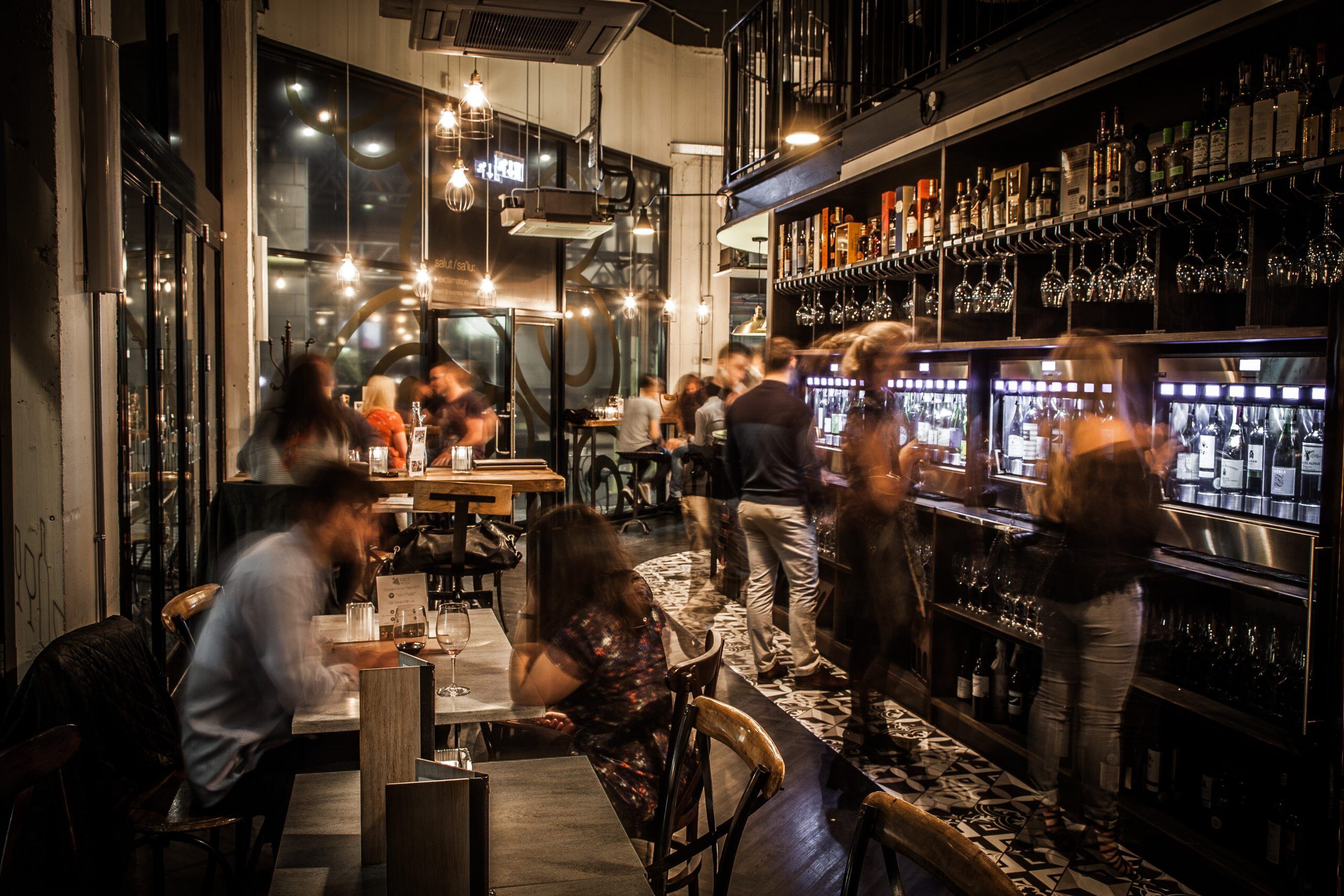
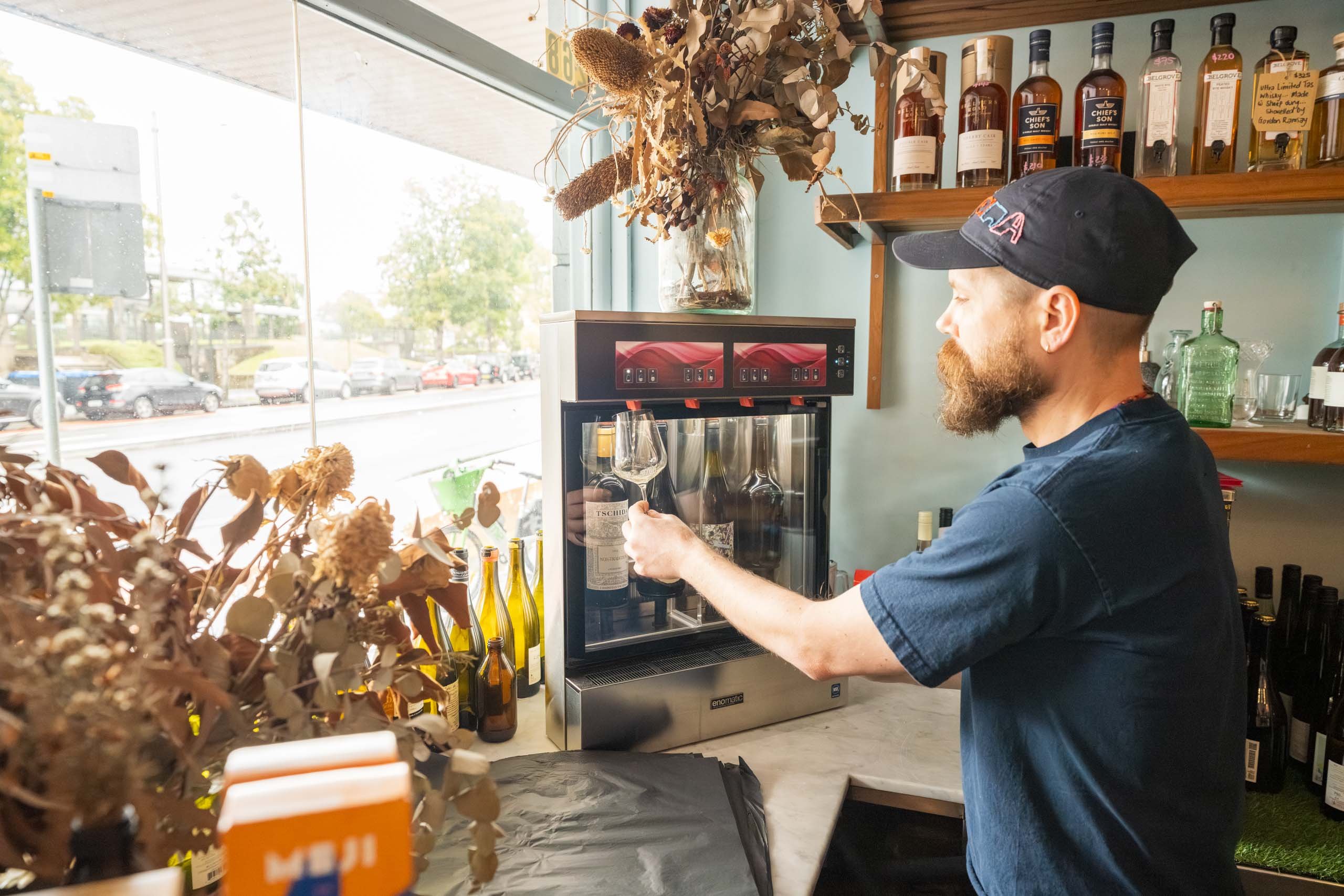

Most self-service conversations we have start the same way. Someone's been to a wine bar where you tap a card, browse thirty-odd wines, and pour yourself a taste of something you'd never have risked a full glass on. They've walked out thinking: we could do that here.
You can. In our experience, the venues that get there smoothly answer three questions, in this order, before anyone starts picking machines:
- What does your liquor licence allow?
- How do you want the customer experience to run?
- How should the space work?
Get the order wrong — fall in love with a layout before you've checked your licence, say — and you can end up redesigning after the fact. Here's how we'd work through each one.
1. What does your liquor licence allow?
This is the question that shapes everything else, and it's one only you and your regulator can answer.
Self-service changes who's pouring. Instead of an RSA-trained staff member deciding every glass, your customers press the button. Regulators care about that, and every state and territory handles it differently. Within a state, the answer can shift again depending on your licence type and the conditions attached to it.
In our experience, venues expect a huge amount of flexibility from a self-service system — and licensing is the thing most likely to rein it in. We're not licensing experts, but we've been through this with enough venues to know what to ask. Many people come to us after a trip to Europe, where they have seen Enomatics used in an unsupervised, unlimited capacity – this just does not translate to Australian liquor licensing laws, unfortunately!
In NSW, for example, self-pour systems run under a dedicated Self-Pour Code of Practice, and complying with it is a condition of your licence. It covers things like monitored access cards that lock automatically, machines placed where staff can see them, RSA marshals at peak times and volume limits. Other states take their own approach.
Questions to take to your regulator (or your licensing consultant):
- Does my licence type allow customers to pour their own wine?
- Is there a limit on how much a customer can pour — per glass, per visit, or before needing to check back in with staff?
- What supervision is required? Line of sight to the machines, dedicated staff at busy times?
- Are there rules on how access cards are issued, loaded or locked?
- Do the rules change by area of the venue or by trading hours?
Where to start, state by state:
|
State or territory |
Regulator |
|---|---|
|
NSW |
|
|
VIC |
|
|
QLD |
|
|
WA |
|
|
SA |
|
|
TAS |
Liquor and Gaming Branch, Department of Treasury and Finance |
|
ACT |
|
|
NT |
Why does this come first? Because the answers feed straight into question two. If your licence caps how much each customer can pour, you'll want a card system that caps it too. And if self-service is only allowed at certain times, it's worth knowing that before you choose how the machines will run.
2. How do you want the customer experience to run?
Once you know the rules for your particular location and venue, decide how customers will pay and pour. Self-service runs on the Enomatic Unica Roma model, and it comes with two different levels of software. The difference between them is mostly about how the money moves.
Simple pre-loaded credit
Think of it like a gift card. Your team loads credit onto a card, the customer pours until it runs out, and they can top up if they want more. It's built into the machine at no extra cost, and it's quick to set up and train staff on.
It shines for set formats: "$30 for four wines," a tasting flight, or a few complimentary samples at a cellar door. The trade-off is that refunding unused credit is a manual job done on the machine itself, and there's no detailed reporting. If you don't anticipate needing to offer refunds on unused credit, this is a great and simple way to offer self-service. We see it mostly in bottle shops and cellar doors.
Flexible tabs, memberships and reporting
This works more like a bar tab where they are given a certain amount of credit, then settles up on the way out. You can also run it pre-paid, or set a spending limit per card. You have a lot more flexibility at this level.
Cards can also be linked to customer profiles, so member pricing and regulars' perks are easy. And you get proper reporting: what's pouring, when, and to whom. It's a one-off software cost and runs from a laptop and card reader at your Point of Sale station, so you'll need a little space there. There's more to learn than the simpler option, but we train your team and support you through it.
|
Simple pre-loaded credit |
Flexible tabs, memberships and reporting |
|
|---|---|---|
|
How customers pay |
Pre-loaded card, top up as needed |
Tab, pre-paid or credit limit |
|
Best for |
Set tastings, flights, cellar doors |
Wine bars built around browsing and lingering |
|
Customer profiles and memberships |
No |
Yes |
|
Reporting |
Basic |
Detailed |
|
Cost |
Included with the machine |
One-off cost |
Neither is the "better" option — they suit different venues. In our experience, wine bars built around discovery, with thirty or more wines on the go, usually want tabs and reporting. Cellar doors and set-price tastings often prefer the simplicity of pre-loaded credit.
Either way, the same machine can also run in staff-operated mode if needed: press the button, wine pours, no cards involved. That's handy if you only want self-service on certain nights, or if your licence limits when it can run.
A few questions to ask yourself:
- Will customers come for a set experience, or to graze through the list all evening?
- Do you want to know what's selling, to whom, and when?
- Will you run memberships or special pricing for regulars?
- Where will cards be handed out, and who looks after them?
3. How should the space work?
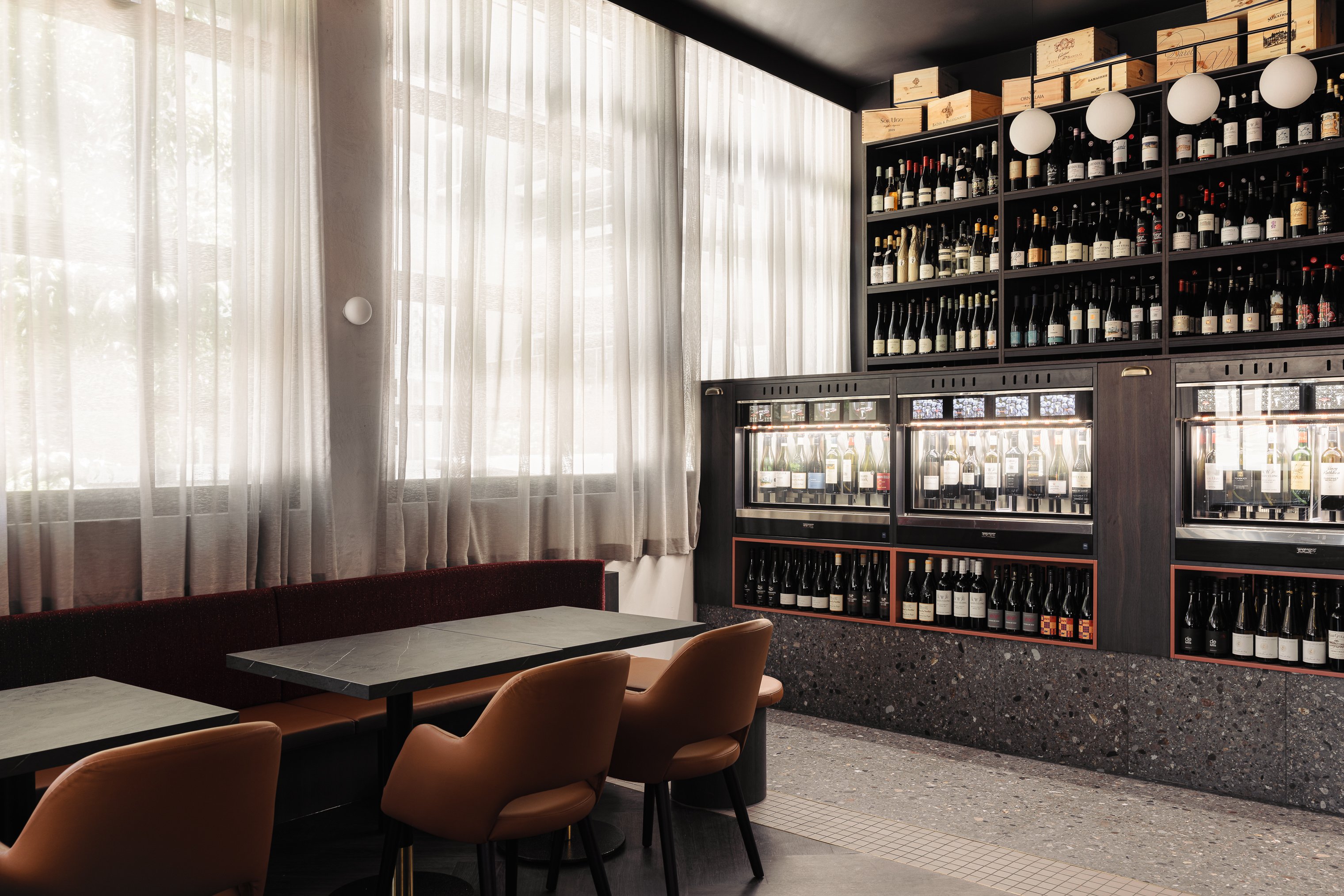
This is the fun part, and it's where we'd like to roll up our sleeves with you. With your licence conditions and your customer experience settled, we can work out how many machines you need, where they go, and how people move through the room.
Here's what we work through together:
- How many wines, and how many machines. The Unica Roma comes in 4-bottle and 8-bottle versions, so a 32-wine list means 4 x Roma 8s. Machines can be split into two temperature zones, so reds and whites sit side by side at the right temperatures. For sparkling, the Unica Bubbles is a dedicated four-bottle unit.
- Pour sizes. Each wine can have up to three pours — often a 30ml taste, a 75ml half glass and a 150ml glass, adjustable up to 250ml. This is a good moment to double-check against any pour limits in your licence.
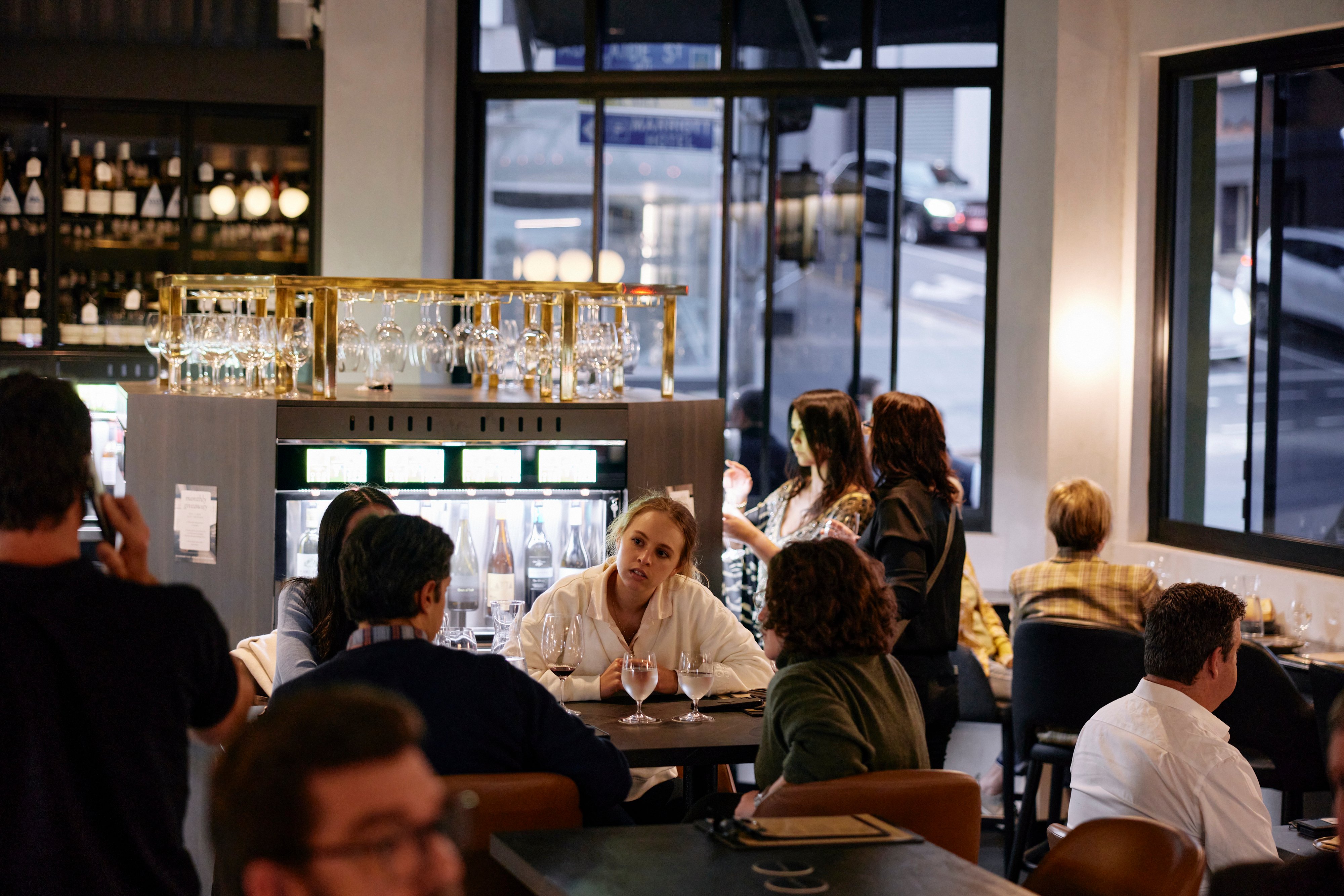
- The customer's path. Where do people collect their card? Where do they grab a glass? Can a group stand at a machine without blocking the walkway on a busy Friday? A good layout follows the natural order: card, glass, machines, seat, settle up.
- Line of sight. Your team should be able to see the machines from where they work. It's good practice for service, and in some states it's part of the rules.
- What stays behind the bar. Not every wine needs to be self-service. Some venues keep their most premium bottles staff-poured behind the bar on a Unica Start, or use Le Verre de Vin by Bermar for sparkling and table service alongside the self-service wall.
- Installation. Our team installs every Unica Roma and trains your staff on the machines and the software. We'll plan wall and bench space, power and access with you well before install day.
Ready to start?
Three questions, in order. The first one is your homework: check with your regulator what your licence allows. The second and third are where we come in.
Book a discovery call and we'll talk through what you've found out about your licence, which software suits the experience you have in mind, and how a self-service wall could work in your space. No pressure and no generic pitch, just a conversation about what's possible.
.jpg?width=2304&height=1728&name=Wine-Preservation-Systems_Edit_2026-07-22_1x%20(2).jpg)